Common SAT Math Mistakes to Avoid on the Digital SAT
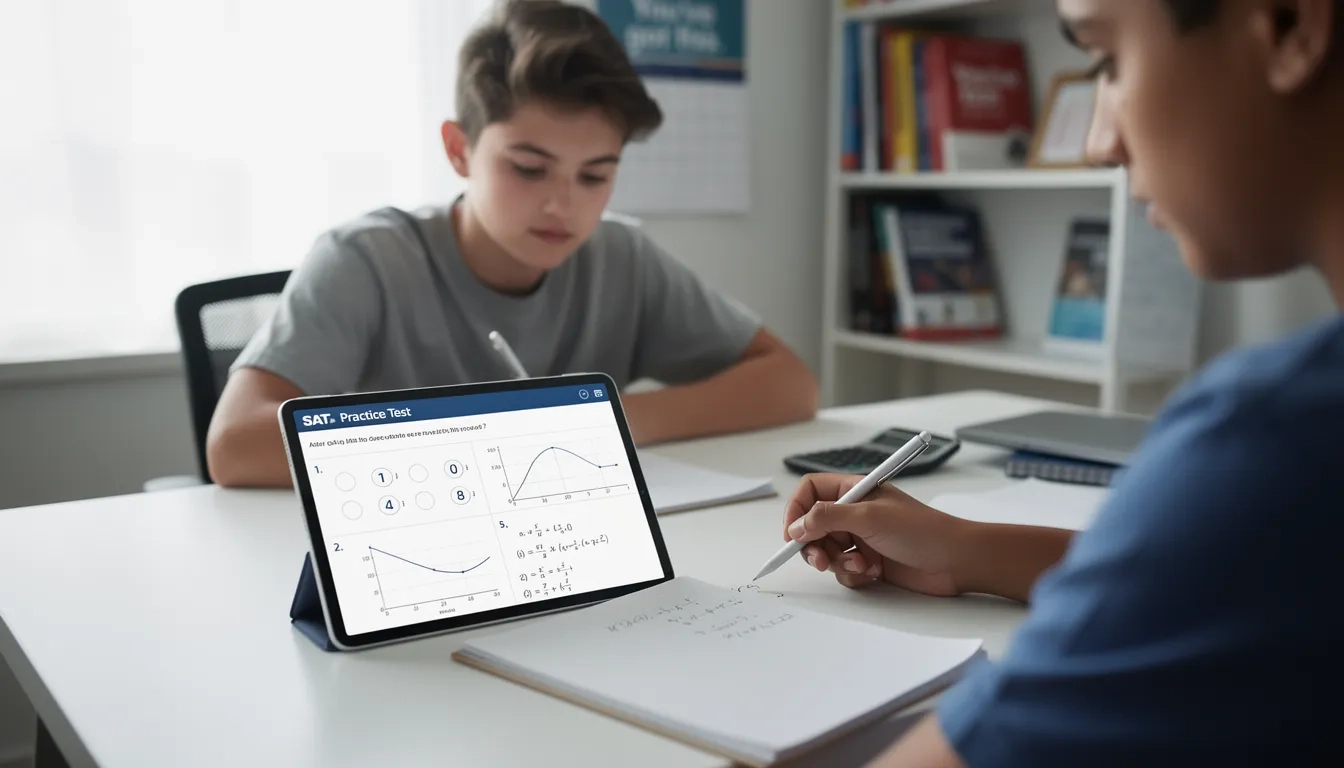
If you've sat down with a digital SAT practice test in Bluebook and walked away thinking "I know this math, I just kept messing it up" — you're not imagining things, and you're definitely not alone. The digital SAT math section isn't really testing whether you can do algebra. It's testing whether you can do algebra fast, under time pressure, on a screen, with a graphing calculator sitting right next to you that you may or may not know how to use well. Those are different skills, and most of the points students leave on the table have nothing to do with not knowing the math.
Let's get the format straight first, because a lot of "SAT math tips" floating around the internet are still describing the old paper test. The current digital SAT math section runs on the Bluebook app and is built from two 35-minute modules — 70 minutes total, 44 questions total — and it's adaptive: how you do on Module 1 determines whether Module 2 serves you harder or easier questions. There is no calculator-free section anymore. A built-in Desmos graphing calculator is available for the entire math section, both modules, every question, and you're also allowed to bring your own approved handheld calculator if you prefer it. Most questions are multiple choice, but a chunk are "student-produced response" questions where you type in a numeric answer yourself — no answer choices to lean on.
Content-wise, the section splits roughly into four domains: Algebra (about 35%), Advanced Math (about 35%), Problem-Solving and Data Analysis (about 15%), and Geometry and Trigonometry (about 15%). So nearly 70% of your math score rides on algebra and advanced math (functions, exponents, quadratics) — which is exactly where a lot of "silly mistakes" quietly pile up.
With that framing in place, here's what's actually going wrong when smart students underperform on this section.
Mistake #1: Treating Desmos Like a Search Engine Instead of a Tool
This is the single biggest shift from the old SAT, and it trips up even strong math students. Because Desmos is built into every question, there's a temptation to try to brute-force everything through it — typing in equations and squinting at a graph — even for problems that are faster to solve with basic algebra in your head or on scratch paper.
The opposite mistake also happens constantly: students ignore Desmos almost entirely because they never practiced with it, so they grind through system-of-equations problems by hand under time pressure when Desmos could find the intersection point in five seconds.
The fix isn't "always use Desmos" or "never use Desmos." It's knowing which question types Desmos is genuinely faster for — systems of equations (graph both lines, find the intersection), quadratic roots (graph and look at x-intercepts), checking whether an answer choice satisfies an equation (plug it in), and interpreting graphs/tables that are already visual. For pure computation or simple one-step algebra, typing into a calculator often costs more time than it saves.
Mistake #2: Sign Errors When Distributing or Moving Terms Across the Equals Sign
This is the classic "I knew how to do this" mistake, and it happens more on digital SAT because you're working in a cramped answer box instead of spreading work across a full page like on paper. Distributing a negative across parentheses — like turning −(2x − 5) into −2x − 5 instead of the correct −2x + 5 — is one of the most common single points of failure in the Algebra and Advanced Math domains, which together make up about 70% of the section.
The related version: moving a term across the equals sign and forgetting to flip its sign, or squaring both sides of an equation and forgetting that squaring can introduce an extraneous solution that needs to be checked against the original equation.
Mistake #3: Misreading What the Word Problem Is Actually Asking
Problem-Solving and Data Analysis questions are notorious for burying the actual question in the last sentence after two sentences of setup. Students solve for the wrong variable — finding the number of adult tickets when the question asked for total tickets, or computing a value in "hours" when the question wants "minutes." On a screen, it's easier to skim past that final clause than on paper, especially with the clock visibly running in the corner of Bluebook.
The habit that fixes this: physically identify (underline mentally, or annotate using Bluebook's built-in annotation tool) what unit and what variable the question is asking for before you start solving — not after you get an answer and go looking for it in the choices.
Mistake #4: Rushing Module 1 Because "It's Just the Easier Half"
Because the digital SAT is adaptive, Module 1 performance determines whether Module 2 is the harder or easier version — and the harder Module 2 is worth more points at the top end of the scoring scale. Students who assume Module 1 is a throwaway warm-up and rush through it to "save time" for Module 2 are making a strategic error: a weak Module 1 locks you into the lower-scoring ceiling for Module 2 regardless of how well you do on the second module.
Treat Module 1 with the same care as Module 2. There's no way to "come back and fix it later" — modules are submitted and locked before you move to the next one.
Mistake #5: Calculator Keystroke Errors and Rounding Too Early
Even when the math approach is correct, small technical errors sabotage the answer: entering 1/2x when you mean 1/(2x), forgetting parentheses around a numerator or a squared negative number, or rounding an intermediate decimal too early and letting that error snowball into a wrong final answer — which matters especially on student-produced response questions where there's no answer choice to sanity-check against.
A simple habit: keep intermediate values as fractions or exact decimals until the final step, and when typing into Desmos, use parentheses more than you think you need to.
Mistake #6: Not Using the Reference Sheet — or Trusting It Too Much
The digital SAT gives you an on-screen reference sheet with common geometry formulas (area, volume, circle relationships, the Pythagorean theorem, special right triangles). Two opposite mistakes happen here. Some students never open it and waste time trying to recall a cone volume formula from memory. Others assume the reference sheet covers everything geometry-related and get caught off guard when a question needs an angle relationship or triangle property that isn't listed.
Know the reference sheet's actual contents ahead of test day (it's published in the College Board's official practice materials) so you're not discovering what is and isn't on it for the first time during the real test.
Mistake #7: Panicking on Student-Produced Response Questions
Without answer choices to fall back on, a wrong turn early in a grid-in question doesn't get caught by "hmm, that's not one of the options" — a mistake just becomes your final answer. Students also lose points on formatting: entering a fraction incorrectly, forgetting that some grid-in questions accept either a fraction or a decimal but not both mixed together, or missing that a negative sign was required.
Slow down very slightly on these specific questions and re-read your typed answer against what the question actually asked before moving on.
Common Misconception: "The Digital SAT Math Is Easier Because You Get a Calculator Everywhere"
This is probably the most persistent myth about the current test. Yes, removing the no-calculator section sounds like a gift. But College Board didn't make the questions easier to compensate — if anything, having a calculator available for every question means the questions were written assuming you'll need more than arithmetic help. Many Advanced Math and Geometry/Trigonometry questions are designed so a calculator alone won't get you to the answer; you still need to understand function behavior, transformations, or trig identities conceptually. Students who lean on "I have Desmos, I'll figure it out" instead of building real algebra fluency tend to hit a wall precisely on the harder Module 2 — the module they need to perform well on to hit a top score.
The calculator can execute a plan. It cannot make one for you. The SAT math section is still, first and foremost, testing whether you can build the right equation — Desmos just changes how fast you can finish solving it once you have.
Mistake vs. Fix: Quick Reference Table
| Common Mistake | Why It Happens | The Fix |
|---|---|---|
| Distributing a negative sign incorrectly | Rushing through algebra in a small answer box | Rewrite the distributed expression on scratch paper before simplifying further |
| Solving for the wrong variable in a word problem | Skimming past the final question sentence | Identify exactly what's being asked before starting any calculation |
| Overusing Desmos for simple one-step algebra | Habit of typing everything into the calculator | Reserve Desmos for systems, quadratics, and graph-reading questions |
| Rushing Module 1 to "save time" | Misunderstanding how adaptive scoring works | Treat Module 1 with full focus — it sets your Module 2 ceiling |
| Rounding intermediate steps too early | Trying to simplify numbers as you go | Carry exact fractions/decimals until the final answer |
| Ignoring the on-screen reference sheet | Assuming formulas must be memorized | Review the reference sheet in advance so you know what's covered |
| Entering grid-in answers with formatting errors | No answer choices to catch the mistake | Re-check the typed answer against the question's exact wording |
Bottom Line
The digital SAT math section rewards precision and pacing as much as raw math knowledge. Roughly 70% of the section lives in Algebra and Advanced Math, so distribution errors, sign mistakes, and equation-building slip-ups cost more points than gaps in geometry or trigonometry ever will. Learn Desmos as a targeted tool rather than a crutch, respect Module 1 because the adaptive structure means it quietly sets your scoring ceiling, and slow down just enough on word problems and grid-in questions to make sure you're answering the actual question asked. Most of the points lost on this section aren't a knowledge problem — they're a habits problem, and habits are fixable with focused practice using official Bluebook practice tests.
FAQ
Is there still a no-calculator section on the digital SAT? No. The digital SAT removed the calculator-free section entirely. A built-in Desmos graphing calculator is available for both math modules, and you may also bring your own approved handheld calculator.
How many math questions are on the digital SAT, and how long do I get? There are 44 math questions total, split across two 35-minute modules, for 70 minutes of total math testing time.
What does "adaptive" mean for the math section? The digital SAT is multistage adaptive: your performance on Module 1 determines whether Module 2 presents harder or easier questions. This affects the maximum score you can reach, so Module 1 performance matters more than many students realize.
Should I use Desmos for every question? No. Desmos is most valuable for systems of equations, quadratics, and graph interpretation. For straightforward one-step algebra, solving by hand is often faster than typing the problem into the calculator.
What's on the SAT math reference sheet? It includes common geometry formulas — areas, volumes, circle relationships, the Pythagorean theorem, and special right triangle rules. It does not cover every geometry or trigonometry fact you'll need, so don't assume it's a complete cheat sheet.
What are student-produced response questions, and why are they riskier? These are questions where you type in a numeric answer instead of choosing from options. Because there's no answer choice to check your work against, a small early error can go completely unnoticed, so it's worth double-checking your final entry against exactly what the question asked.
Sources
- How the SAT Is Structured – SAT Suite | College Board
- What kinds of tools will be available for students taking the digital SAT? – College Board
- SAT Calculator Policy – SAT Suite | College Board
- What Are Content Domains? – SAT Suite | College Board
- Changes for 2026-27 Testing – SAT Suite | College Board