Digital SAT Format: Everything You Need to Know (2026)
Sit down to take the SAT and you finish in 2 hours and 14 minutes. That sentence would have sounded like a typo five years ago. The old paper SAT ran close to three hours and handed you 154 questions. The Digital SAT gives you 98 questions and gets out of your way faster. But shorter does not mean easier — the format is genuinely different, and understanding the mechanics before test day is the difference between a score you're proud of and one that confuses you.
The Basic Structure at a Glance
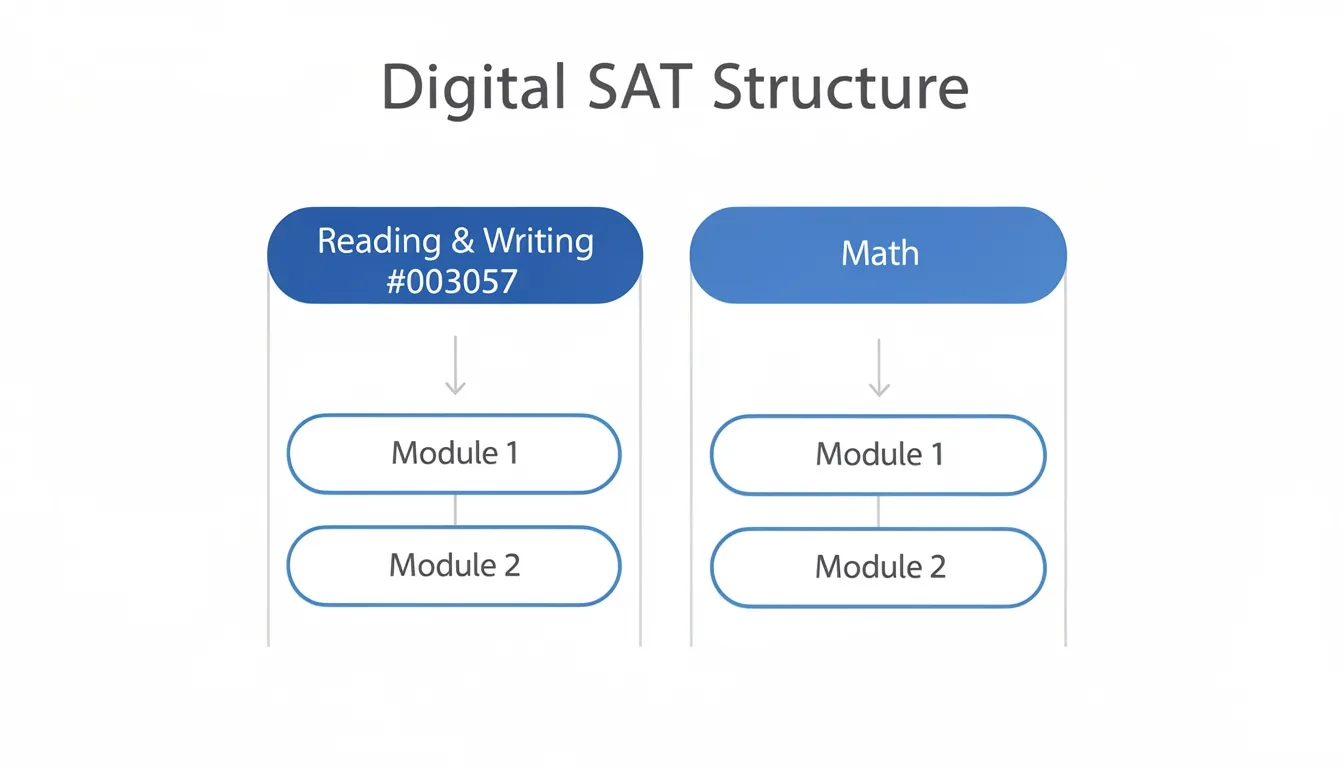
The Digital SAT has two sections: Reading and Writing (R&W) and Math. Each section splits into two modules, giving you four modules total.
| Section | Modules | Questions per Module | Time per Module | Total Questions | Total Time |
|---|---|---|---|---|---|
| Reading & Writing | 2 | 27 | 32 min | 54 | 64 min |
| Math | 2 | 22 | 35 min | 44 | 70 min |
| Total | 4 | — | — | 98 | 134 min |
There's a 10-minute break between the two sections. That break is real — get up, move around, eat something. You'll need the reset.
The math works out to roughly 71 seconds per question on average. That's more generous than the old format, where students squeezed through a much longer question count. You now get approximately 43% more time per question than the paper test offered.
How Adaptive Testing Actually Works
This is the part most students misunderstand. The Digital SAT uses what College Board calls Multistage Adaptive Testing (MST). It is section-adaptive, not question-adaptive — meaning the test adjusts between modules, not between every single question.
Here's how it plays out:
- Every student receives the same Module 1, which contains a mix of easy, medium, and hard questions.
- Your performance on Module 1 determines which version of Module 2 you receive.
- Do well on Module 1, and you get the harder Module 2. Struggle, and you get the easier version.
- You cannot go back to Module 1 once you advance.
The routing is binary. There's no "medium" Module 2 track.
This has real score-ceiling implications. According to Applerouth's analysis of official Digital SAT practice tests, students who make more than 10 errors on R&W Module 1 are routed to the easier Module 2 and effectively capped around 560 on that section. Hit the harder Module 2, and an 800 is possible. For Math, the same ~10-error threshold applies. Students targeting a 1400 or above need roughly 66% accuracy on Module 1 to earn the harder routing.
The harder Module 2 is genuinely hard. The easier Module 2 contains about 75% easy questions. The harder version flips that — only about 25% are easy, with the rest landing in moderate to hard territory.
Module 1 is not the warmup. It is arguably the most important set of questions on the test.
Reading and Writing: Short Passages, Real Analysis
Gone are the long reading passages with five questions attached. The Digital SAT R&W section gives you short passages — typically 25 to 150 words — each paired with exactly one question. You work through 27 of these per module.
The questions fall into four domains:
- Craft and Structure (28%): Word choice, text organization, author's purpose
- Information and Ideas (26%): Understanding arguments, drawing inferences from evidence
- Standard English Conventions (26%): Grammar, punctuation, sentence structure
- Expression of Ideas (20%): Revising sentences for clarity and style
Vocabulary questions don't test whether you memorized a word list. They ask you to figure out what a word means based on how it's used in context. That's a different skill, and honestly a more useful one.
The short-passage format sounds easier, but it demands sharper logic per question. You can't use context from earlier paragraphs to bail yourself out — each passage is a self-contained puzzle. Students who trained on old SAT reading passages sometimes find this format catches them off guard.
Math: Algebra-Heavy, Calculator-Friendly
The Math section leans hard into Algebra and Advanced Math, which together account for roughly 31 of the 44 total questions. Here's the full breakdown:
| Content Area | Share of Questions |
|---|---|
| Algebra | ~35% |
| Advanced Math | ~35% |
| Problem-Solving & Data Analysis | ~15% |
| Geometry & Trigonometry | ~15% |
The calculator is allowed on every single Math question. There is no no-calculator section anymore. The Bluebook app includes a built-in Desmos graphing calculator, and a math reference sheet is one click away throughout the test.
Desmos fluency is a genuine competitive advantage. A student who knows how to graph a system of equations in Desmos can solve certain problems in under 15 seconds. That's not an exaggeration. If you've never practiced with Desmos, start now — it changes how you approach function and intersection questions entirely.
The section mixes multiple-choice questions with student-produced responses (grid-ins). Those grid-ins carry particular scoring weight under the model the test uses, which I'll explain in the next section.
The Bluebook App: What You're Actually Testing On
The Digital SAT runs entirely through College Board's Bluebook app on Windows, Mac, iPad, and Chromebook. Not phones. The app is free, and as of early 2026, it contains five full-length official practice tests.
Built-in tools during testing:
- Desmos graphing calculator (Math sections)
- Annotation and highlighting in passages
- Strikethrough for eliminating answer choices
- "Mark for Review" flag to revisit questions within a module
- Countdown timer with a 5-minute warning option
- Formula reference sheet
One feature that matters more than it sounds: if your device crashes mid-test, the timer pauses briefly. Your work is saved. That's a deliberate design choice by College Board, and it removes one of the anxieties that used to accompany digital testing.
Do your practice tests on the actual device you'll use on test day (a specific piece of advice, not a vague one). Students who practice on a laptop and then test on an iPad sometimes lose time navigating tools they haven't used in that context. Familiarity with the app is part of preparation, full stop.
Scoring: Not Just About Getting Questions Right
The Digital SAT scores on a 400–1600 scale, with each section scored 200–800. The national average sits around 1050. But the way scores are calculated is not a simple "count your correct answers" formula.
The Digital SAT uses Item Response Theory (IRT) — a statistical model that weights each question based on its difficulty and how reliably it distinguishes students at different skill levels.
In plain terms: missing an easy question hurts your score more than missing a hard one. An easy question you get wrong is a stronger signal of lower ability than a hard question you skip. Applerouth's research flagged this directly, noting that "easy questions often have a greater scoring impact than harder questions."
There's no guessing penalty. A wrong answer and a blank answer have the same cost. Answer every question. But don't let "no penalty for guessing" lull you into rushing the questions you actually know. Careless errors on easy material are the most expensive mistakes on this test.
Scores come back within days, sometimes as fast as 48 hours after testing. The old paper SAT took two to three weeks.
What Actually Changed from the Paper SAT
If you're working from older prep materials, here's a clear comparison:
| Feature | Paper SAT | Digital SAT |
|---|---|---|
| Total time | ~3 hours | 2 hrs 14 min |
| Total questions | 154 | 98 |
| Reading passages | Long, multi-question | Short, one question each |
| Calculator policy | Split (allowed / not allowed) | Always allowed |
| Score turnaround | 2–3 weeks | Within days |
| Delivery | Pencil and paper | Bluebook app |
| Adaptive routing | None | Section-adaptive (MST) |
Old prep books built around paper SAT structure will steer you wrong on several of these points. Use current materials, and use Bluebook's official practice tests rather than third-party paper simulations.
Where Students Actually Leave Points Behind
Most students who underperform on the Digital SAT aren't losing points where they think they are.
Module 1 carelessness is the biggest scoring leak. Because IRT weights easy questions heavily, rushing through the "obvious" questions in Module 1 and making avoidable errors does more damage than struggling on three hard questions at the end. Slow down on the questions you know.
The Mark for Review flag is underused. You can flag questions within Module 1 and return before you advance. If you finish Module 1 with three minutes left, go back and check your flagged answers rather than waiting. That's free points.
Grid-in questions deserve extra attention. They carry more IRT weight than many students realize, and unlike multiple-choice, you can't eliminate your way to an answer. Budget time for them.
My honest take: most students spend too much prep time grinding the hardest problems and not enough time building clean, fast habits on medium-difficulty material. The writing was on the wall once IRT scoring became standard — the test rewards consistency more than heroics.
Bottom Line
- The Digital SAT is 98 questions in 2 hours 14 minutes, with about 71 seconds per question on average
- Adaptive routing means your Module 1 performance determines your score ceiling; more than 10 errors on Module 1 can cap a section score around 560
- The Bluebook app's built-in Desmos calculator rewards students who practice with it before test day — graph-based solutions that take 15 seconds on screen can take minutes by hand
- IRT scoring means easy questions carry more weight; careless errors on familiar material are more costly than skipping the hardest problems
- Five official full-length practice tests are free in Bluebook — do them on the same device you'll use on test day
Frequently Asked Questions
How long is the Digital SAT, including breaks?
The Digital SAT includes 2 hours and 14 minutes of testing time, plus a 10-minute break between the Reading & Writing and Math sections. Total time in the testing room, including setup, instructions, and check-in, typically runs closer to 3 hours. Plan accordingly.
Can you go back and change answers during the Digital SAT?
Yes, but only within the same module while it's still open. Once you advance from Module 1 to Module 2, that module is closed and you cannot return. The "Mark for Review" flag inside Bluebook lets you tag uncertain questions and revisit them before moving on — use it.
What happens if you're routed to the easier Module 2?
Being routed to the easier Module 2 caps your score potential for that section. On Reading & Writing, students on the easier path are generally limited to around 560. On Math, the ceiling is similar. If you're targeting a composite score above 1200, strong Module 1 accuracy in both sections is non-negotiable.
Is the Desmos calculator in Bluebook the same as the regular Desmos app?
It's functionally very similar. The core graphing features — plotting equations, finding intersections, working with systems — behave the same way. Practicing on the regular Desmos website transfers well, though spending time with the in-app version before test day is worth it for interface familiarity.
Does guessing hurt your score on the Digital SAT?
No. There is no guessing penalty — a wrong answer and a blank answer have the same effect. You should fill in an answer for every question. That said, under IRT scoring, wrong answers on easy questions cost more than wrong answers on hard ones, so "always guess" is not the same as "guess carelessly."
How quickly do Digital SAT scores come back?
Scores are available through your College Board account within a few days of testing, sometimes within 48 hours. This is a significant improvement from the paper SAT, which typically took two to three weeks to return results.