Terminal Masters: The CLI Skills That Drive High Salaries in 2026
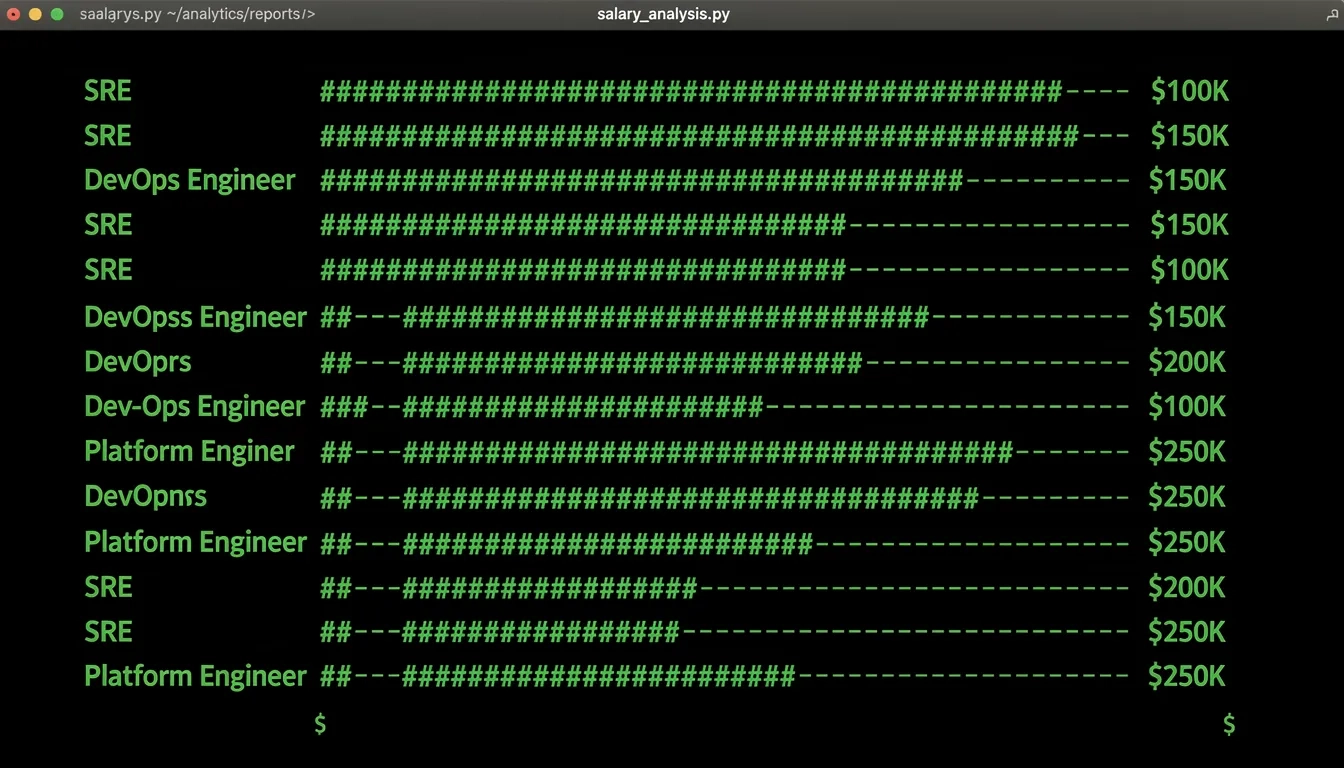
There's a visible split in engineering salaries, and it runs along a specific fault line: how comfortable someone is in the terminal. Developers pushing $180K+ at companies like Stripe and Airbnb aren't just writing better code. They move faster, debug faster, and ship faster — partly because their terminal setup never gets in their way.
The 2025 Stack Overflow Developer Survey found that Bash and shell scripting are used by 48.7% of professional developers, while Vim holds at 24.3% and Neovim has climbed to 14%. Those aren't vanity stats. They map almost directly onto the DevOps, SRE, and platform engineering roles that pay the most. Senior SREs at Google earn $220,000 to $400,000 in total compensation. The terminal is where that work gets done.
The Salary Map: Why This Correlation Exists
The roles with the steepest terminal dependency pay the most. That's not coincidental. SRE, DevOps, and platform engineering sit at the intersection of infrastructure and software, and almost all their work happens over SSH, in logs, in CI pipelines, and at the command line.
Glassdoor's 2026 data puts Linux Software Engineers at an average of $188,304 per year, with the senior bracket reaching $367,453. Senior SREs at staff and principal level clear $280,000 in base salary before equity. Senior DevOps engineers land in the $155,000–$215,000 band.
The skills that push engineers into those brackets aren't primarily about programming languages. They're about infrastructure fluency: Kubernetes, Terraform, Bash scripting, CI/CD pipeline management. Every one of those disciplines lives mostly in the terminal.
Certifications confirm it. The Certified Kubernetes Administrator (CKA) adds $10,000–$20,000 to base pay. The AWS Certified DevOps Engineer Professional adds $15,000–$25,000. Both require genuine CLI comfort. You cannot click through the CKA exam.
| Role | Average US Salary | Terminal Dependency |
|---|---|---|
| Senior SRE (top tech) | $220,000–$400,000 | Very High |
| Linux Software Engineer (senior) | $188,304–$367,453 | Very High |
| Senior DevOps Engineer | $155,000–$215,000 | High |
| Cloud Engineer | $135,000–$152,000 | Medium-High |
| Mid-level DevOps | $120,000–$160,000 | Medium |
The pattern holds across every data source. The more your work happens at the command line, the higher the ceiling.
Your Shell Is the Foundation
Most engineers use Bash by default and never question it. That's understandable — Bash runs everywhere and will keep running everywhere. But knowing your options matters.
Bash (48.7% of developers per Stack Overflow 2025) is the lingua franca. If you're writing scripts that run on servers you don't control, you're writing Bash. Period. The business case for anything else evaporates when you're SSHing into a fresh Amazon Linux instance at 2am.
Zsh became the macOS default in 2019 and brought better autocomplete, inline globbing, and a plugin ecosystem Bash never had. With Starship as your prompt, Zsh gives you a meaningfully smarter interactive experience without abandoning Bash compatibility for scripts.
Fish goes further — it ships with syntax highlighting in the prompt itself and autosuggestions that feel almost telepathic after a week of use. The tradeoff: Fish isn't POSIX-compliant, so you can't use it as a script interpreter for anything you'd deploy.
The practical call for high-paying roles: know Bash deeply, use Zsh or Fish for daily interactive work, and keep scripts in Bash for portability. Recruiters at Netflix aren't evaluating your shell preference, but they will notice if you can't explain the difference between $() and backticks.
The Power Tools Layer
This is where terminal mastery actually shows up. Not in which shell you use, but in which tools you've wired together.
fzf is the single highest-leverage tool most developers skip. It's a general-purpose fuzzy finder with 67,000+ GitHub stars that plugs into almost everything: shell history (Ctrl+R), file navigation, git branch switching, even Kubernetes pod selection. Working on a machine without it, after a week of use, feels like typing in oven mitts.
ripgrep (the rg command) searches file contents 10 to 100 times faster than grep, depending on codebase size. It respects .gitignore by default, skips binary files, and uses smart case matching. On a 200,000-file monorepo, the difference between grep -r and rg is the difference between a 47-second wait and instant results.
Here's the practical power toolkit:
- fzf — fuzzy finder; transforms history search, file picks, and kubectl workflows
- ripgrep — file content search; replace grep everywhere except scripts needing POSIX portability
- bat — replaces
catwith syntax highlighting; especially useful when tailing logs - jq — JSON query and transformation; fluency here is a practical requirement for API work
- delta — git diff viewer with syntax highlighting and word-level change tracking
- eza — replaces
lswith color, icons, git status inline, and tree-view mode - zoxide — replaces
cdby learning your directory patterns; typingz projdrops you into your project folder instantly - lazygit — terminal UI for git that makes staging hunks and interactive rebasing manageable
jq deserves special mention. Every cloud API returns JSON. Every log aggregator outputs JSON. Being fluent in jq means you process, filter, and reshape that output in a pipeline without opening Python. Engineers who reach for jq instinctively operate at a different speed than those manually parsing JSON in a text editor.
The Editor Question, Settled Practically
The editor debate used to feel tribal. It's now a practical question.
Neovim is worth learning seriously if you plan to spend your career in infrastructure and DevOps. It's optional if you're primarily a product engineer. Here's why. When you're SSHed into a production server during an incident, you're not opening VS Code. You're opening whatever is on the machine, which is almost certainly Vim. Engineers who've spent real time in Vim can navigate a 3,000-line config file, make a surgical edit, and close it cleanly. Engineers who haven't will be googling "how to quit vim" at the worst possible moment.
Neovim (14% adoption in Stack Overflow 2025) is Vim rebuilt with Lua scripting and a proper plugin API. LSP support, Treesitter syntax parsing, and plugins like Telescope for fuzzy file finding make it a genuinely competitive IDE experience that runs over SSH.
Helix is worth watching: it ships with LSP support and Treesitter baked in, no plugin configuration required. It could be where the next generation of terminal-first engineers lands.
For most people starting fresh: learn enough Vim to survive a remote session, use VS Code for daily local work, and invest in Neovim only when you feel a real ceiling.
tmux: The Underrated Career Signal
tmux might have the highest salary-per-minute-of-learning ratio of any terminal tool. It's not flashy. No AI integration. It's a terminal multiplexer that has existed since 2007. But it changes how you work in ways that compound.
Without tmux, every SSH session is one window. Close the connection and lose your work. With tmux, you create named sessions that persist after disconnection, split your terminal into panes running different processes at once, and switch between contexts in milliseconds.
For an SRE managing a production incident, this means watching logs in one pane while running kubectl commands in another while editing a config file in a third — all in the same SSH session, all persistent, none dependent on your local laptop staying online.
tmux fluency specifically signals to interviewers that you do real remote infrastructure work. Nobody learns tmux to look good on a resume.
The learning curve is steep for the first two hours (the key prefix defaults to Ctrl+B, which fights muscle memory built by literally every other application) and then flat. After that, not having tmux is the hard part.
Zellij is a newer alternative with friendlier defaults and floating panes. If you're starting today, Zellij is genuinely easier. But tmux has 15 years of Stack Overflow answers and is present on nearly every Linux system without installation.
AI at the Command Line
The terminal AI category went from nothing to crowded in about 18 months. Two tools have changed how engineers actually work: Warp and Claude Code.
Warp redesigned the terminal around "blocks" — each command and its output is a discrete unit you can reference, search, and share. Its AI integration lets you describe what you want in plain English and get a working command back. Typing "find all files modified in the last 24 hours larger than 1MB and list their sizes" and getting a correct find command is not a party trick. It's time back per hour for engineers who habitually search obscure flags.
Claude Code goes further. It's less about single commands and more about agentic operations across a codebase — tracing bugs through multiple files, writing tests, refactoring functions. It operates at a different abstraction layer.
The engineers I'd bet on for 2026 compensation growth aren't the ones resisting AI tools in the terminal. They're the ones who've figured out which tasks to delegate and which to keep manual. That judgment is a skill, and it's currently underpriced.
A practical division:
- Use Warp for interactive work where you're composing commands and want AI-suggested options
- Use Claude Code for multi-step operations across files and codebases
- Keep a lightweight terminal like Ghostty or Alacritty for situations where any added latency is the enemy
Neither tool replaces the underlying shell knowledge. They amplify it.
Building the Full Workflow
Knowing individual tools isn't the same as knowing how to wire them together. The engineers commanding $200K+ don't use each tool in isolation.
Here's what a mature terminal workflow looks like in 2026:
- Shell: Zsh with Starship prompt displaying git branch, Python environment, and exit codes at a glance
- Navigation: zoxide for directory jumping, fzf piped into everything interactive
- Search: ripgrep for file content, fzf for interactive filtering of results
- Git: lazygit for interactive staging and rebasing, delta for diff review
- Sessions: tmux with named sessions per project, persistent across disconnections
- Editor: Neovim for SSH and server work, VS Code for local feature development
- JSON/API work: jq for pipeline processing, httpie as a readable curl alternative
- AI layer: Warp or Claude Code for command synthesis and multi-file operations
Kubernetes at the command line is where this all converges for the highest-paying roles. The kubectl CLI is the primary interface for anyone doing cluster work, and fluency means combining it with fzf for pod selection, jq for JSON output parsing, and tmux to watch multiple namespaces simultaneously.
The writing was on the wall a long time ago: infrastructure is code, and code lives in the terminal. The engineers who master both sides of that equation are exactly where the salary ceilings keep moving upward.
Bottom Line
- Start with fzf, ripgrep, and bat. Install all three this week. The productivity difference is immediate and measurable.
- Learn tmux seriously. One focused afternoon covers the basics. The compounding value shows up over months of real use.
- Develop real Vim survival skills even if Neovim isn't your daily driver. Production environments won't wait for a VS Code SSH setup.
- Target terminal-heavy roles. Senior DevOps, SRE, and platform engineering carry the highest ceilings — $180K+ at 5-7 years of experience is realistic in major US markets.
- Tools only matter when composed. A workflow combining fzf, ripgrep, tmux, jq, and kubectl is worth more than each tool running alone.
Frequently Asked Questions
Do I need to use Vim full-time to land a high-salary infrastructure role?
No, but you need to be functional in it. Most senior DevOps and SRE roles involve periodic SSH access to remote Linux machines where VS Code isn't an option. Being able to open Vim, navigate a config file, make an edit, and exit without panic is a baseline expectation — not a competitive advantage.
Is Bash scripting worth learning in 2026, or has Python replaced it?
Both. Python has taken over for complex automation, data processing, and anything that needs real error handling. But Bash remains the universal glue for shell scripts, CI/CD pipeline steps, and startup scripts on cloud infrastructure. At entry level, DevOps roles expect both. Bash won't be replaced on servers you don't control.
Myth vs. Reality: Do you need an elaborate custom terminal setup to be productive?
Myth. The engineers I've seen hit the highest output don't have the most customized terminals — they have the most intentional ones. Three well-chosen tools (fzf, ripgrep, tmux) beat a 200-line .zshrc full of aliases nobody remembers. Start with defaults, add tools when you feel a specific friction point, and stop there.
How much does Kubernetes CLI experience actually move the salary needle?
Significantly. The Certified Kubernetes Administrator certification alone adds $10,000–$20,000 to base salary according to 2026 PayScale data, and the exam requires genuine kubectl fluency — you can't study your way through it without hands-on cluster work. For SRE roles specifically, production Kubernetes experience is one of the clearest differentiators between the $140K band and the $200K+ band.
What's the fastest path to improving terminal skills for salary impact?
Pick the tool you use most often and replace it with a better one. If you use grep constantly, switch to ripgrep this week. If you use cd, add zoxide. If you SSH into remote servers, learn tmux this month. Stack one improvement at a time rather than rebuilding your entire environment at once. Compounding small habit changes beats a grand terminal overhaul that you abandon after two days.
Are AI terminal tools like Warp actually useful, or just hype?
Genuinely useful for specific tasks. Warp's AI command suggestions save real time when you're dealing with obscure flags or complex find/awk pipelines you'd otherwise search for. Claude Code's agentic operations are a different category entirely — useful for codebase-wide tasks. The risk is becoming dependent on AI for commands you should internalize. Use them as acceleration, not as a substitute for building the underlying mental model.
Sources
- Stack Overflow Developer Survey 2025 – Technology
- DevOps Engineer Salary 2026: Cloud, CI/CD & SRE Pay – WealthVieu
- Best Terminal Tools for Developers in 2026 – DEV Community
- Best CLI Tools for Developers in 2026 – ToolShelf
- Linux Software Engineer Salary 2026 – Glassdoor
- Linux Engineer Salary 2026 – PayScale